Shopify's native Buy X Get Y discount caps how many products you can mark eligible, a limit widely reported by merchants and Shopify support as 100 products, and it applies a fixed number of times per order rather than repeating as the cart grows. That combination is why you cannot run a true store-wide 3-for-2 on a catalog of several hundred items, and why a customer who buys nine qualifying products does not automatically get three of them free. To run store-wide or repeating Buy X Get Y, you need a discount built on Shopify Functions, which has no such product cap and can reapply the offer every time the buy quantity is met.
This guide explains how native Buy X Get Y works, exactly where it stops (the product cap, the no-repeat behavior, the cheapest-item nuance, and how variants are counted), why those limits exist, the workarounds merchants reach for and why draft orders and duplicate collections quietly break codes, analytics, and accelerated checkout, and the Functions-based way to run 3-for-2 and buy-6-get-2 across your entire catalog.
Does Shopify's Buy X Get Y have a product limit?
Yes. When you build a Buy X Get Y discount in the Shopify admin, you choose which products or collections the customer must buy and which they get discounted. Adding those eligible items one by one runs into a ceiling. Merchants on the Shopify forums report that the builder stops letting them add products once they reach 100, and Shopify support has confirmed the same cap in those threads. In one widely-read Shopify Partner thread titled "Looking for a Workaround to Shopify's 100 Product Limit for Buy X Get Y", a merchant trying to run a simple 3-for-2 across a large catalog is told there is a hard 100-product limit and that no native setting removes it.
A quick note on precision. Shopify's public developer documentation describes the Buy X Get Y discount objects and their behavior, but it does not print an exact "100" in the API reference. So treat 100 as the widely-reported native limit that merchants and Shopify support cite in the Help Center and community, rather than a number etched into the platform contract. The practical takeaway does not change: native Buy X Get Y is not designed to cover a whole large catalog, and once you pass the cap you cannot add more eligible products.
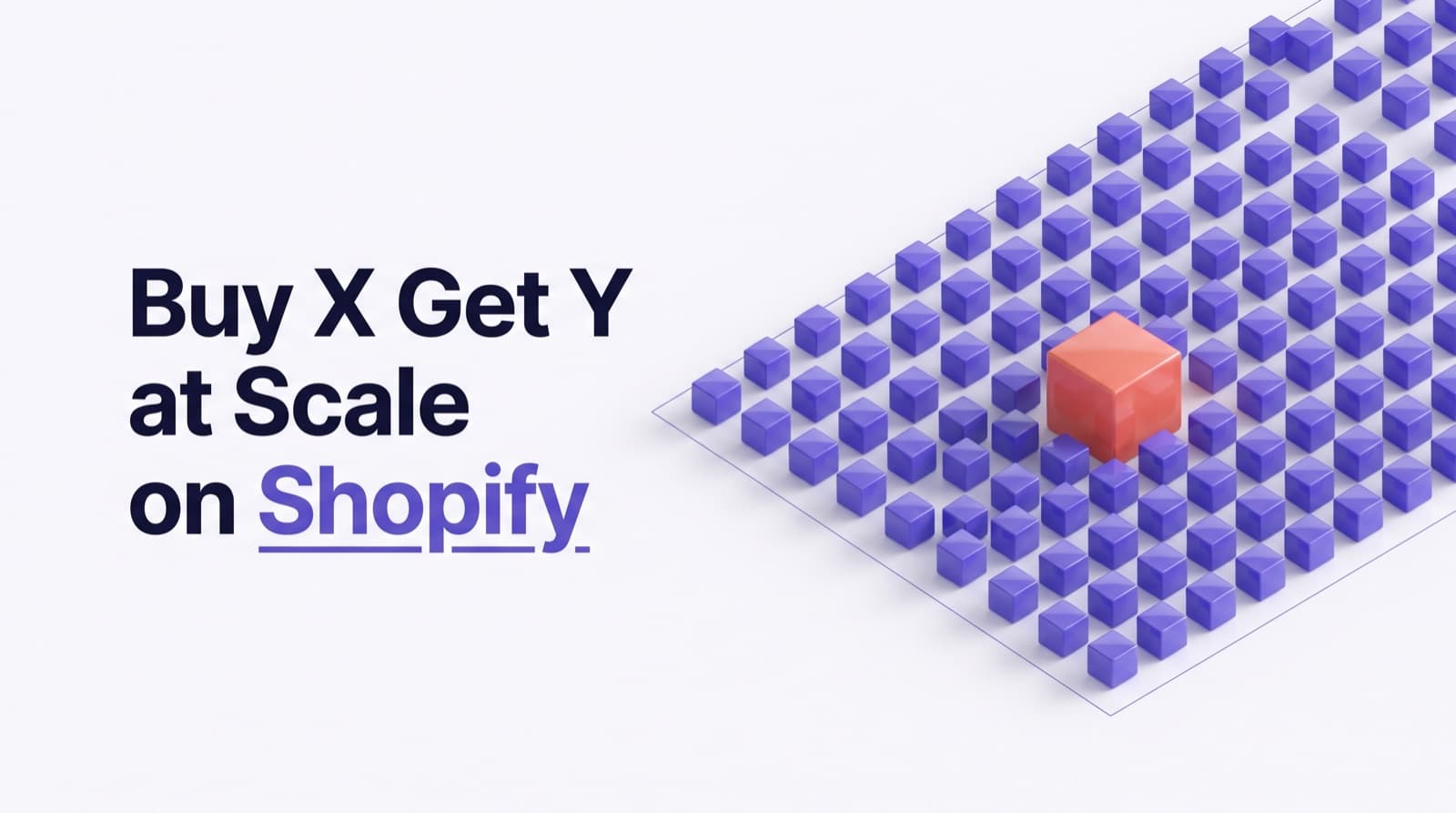
The cap bites hardest on exactly the stores that want this promotion most. A 400-SKU apparel brand running "buy any 3, cheapest free" cannot select every product. A homewares store with 600 items cannot put its full range into a mix-and-match 3-for-2. You end up either capping the promotion at an arbitrary 100 items or splitting it into several discounts, each with its own eligibility list, which is fragile and easy to get wrong.
IMAGE PLACEHOLDER (Image 1): The 100-product wall
Suggested visual: A clean 16:9 diagram on a white background. A large product grid of small item tiles fades from solid violet (the first 100, labeled "eligible") into greyed-out tiles (labeled "can't be added"), with a bold gold vertical line marked "100-product limit" separating them. A small counter in the corner reads "100 / 400 products." Flat vector style, brand colors violet and gold, sans-serif labels, no photography.
How does native Buy X Get Y actually work?
Buy X Get Y, sometimes called BXGY or BOGO, is one of Shopify's built-in discount types. It rewards a customer with discounted or free items once they buy a qualifying quantity of other items. It is a product-class discount, which means it reduces the price of specific cart lines rather than the order subtotal or shipping.
The "customer buys" and "customer gets" halves
Every Buy X Get Y discount has two halves. The "customer buys" side sets the trigger: a minimum quantity (or a minimum spend) of products or collections you choose. The "customer gets" side sets the reward: a quantity of products or collections that become free or discounted by a percentage or fixed amount. Shopify's Buy X Get Y create mutation exposes exactly these fields, customerBuys and customerGets, and the items on each side can be products or collections. A classic setup is buy 2 from a collection, get 1 from the same collection free, which produces the familiar "buy 2, get 1" offer.
The cheapest-item nuance
For a "3-for-2" style promotion, the intent is that the cheapest of the three qualifying items becomes free. Native Buy X Get Y can make the "get" item free, but it does not have a dedicated "always discount the cheapest eligible item in the cart" mode the way merchants often assume. When the buy and get lists overlap (the customer buys from and gets from the same collection), Shopify does apply the discount to the lower-priced qualifying line, which approximates cheapest-free for a single set. The trouble starts when the cart holds more than one set, because the offer does not keep finding and freeing the next cheapest item as quantities grow. That is the repeat problem, covered below.
How variants are counted
Buy X Get Y works at the product and variant level, which is a strength and a trap. You can include specific variants, which is what a merchant wants when only some sizes or colors should qualify. But eligibility is still a finite list of products or collections, so a store that wants "any variant of any product, mix and match" runs straight back into the product cap. You cannot express "the entire catalog, all variants, buy any 3" as a single native rule once the catalog exceeds the cap.
Why can't native Buy X Get Y repeat?
This is the second wall, and for many stores it is worse than the product cap. Native Buy X Get Y applies a limited number of times per order rather than reapplying for every qualifying set in the cart. Shopify's own create mutation includes a usesPerOrderLimit field, and the documented example sets it to 1, meaning the discount is granted once for that order. There is no native toggle that says "reapply this offer automatically every time the customer buys another qualifying set."
Play it out. You run "buy 6, get 2 free." A customer adds 12 qualifying items to their cart, clearly two full sets. They expect 4 free items. Native Buy X Get Y gives them 2, because the offer fired once and stopped. The same thing breaks a store-wide 3-for-2: a customer with 9 eligible items in the cart should get 3 free (three sets of three), but the native discount frees only one item. The merchant's promo poster says one thing and the checkout does another, which erodes trust and generates support tickets.
Merchants describe wanting exactly this pattern in the forums: "buy 6 get 2 free, buy 9 get 3 free," a ratio that scales with cart quantity. Native Buy X Get Y was not built to recalculate per set, so the offer either underdelivers or forces the merchant to cap the promotion in ways customers find confusing.
Why does the 100-product cap exist?
The cap is not arbitrary cruelty. Native discounts store their eligibility as an explicit list of product or collection entitlements attached to the discount record, and Shopify keeps that list bounded so the discount stays fast to evaluate on every cart and at checkout. A discount that had to scan an unbounded list of thousands of specific products on every cart update would be slower and harder to keep consistent across the cart page, the checkout, and accelerated checkouts. Bounding the entitlement list keeps native discounts predictable.
The design choice that removes the ceiling is to stop storing a giant list of individual products and instead evaluate eligibility with logic at runtime. That is precisely what Shopify Functions do. Instead of "here are 400 specific product IDs," a Function can be told "any item carrying this tag" or "any item in this collection" and decide, item by item, as the cart is calculated, whether each line qualifies. Because the rule is logic rather than a stored list, catalog size stops mattering. This is the same architecture Shopify itself points merchants toward for discount behavior the native builder cannot express.
IMAGE PLACEHOLDER (Image 2): List-based versus logic-based eligibility
Suggested visual: A 16:9 split-panel illustration. Left panel labeled "Native: stored list" shows a discount record holding a fixed stack of 100 product cards with a red "full" stamp. Right panel labeled "Functions: a rule" shows a single rule chip reading "tag = sale" with an arrow fanning out to an unlimited grid of product tiles, all checked green. A center divider. Brand colors violet and gold, flat vector style, no photography.
What workarounds do merchants try, and why do they break?
Because native Buy X Get Y stops short, stores reach for hacks. Each one trades the cap for a different, usually worse, problem.
Duplicate discounts, one per 100 products
The obvious move is to split the catalog into chunks of 100 and create a separate Buy X Get Y discount for each chunk. It sort of works until you think about the cart. A customer who buys two qualifying items that happen to fall in different chunks does not trigger any single discount's buy quantity, so the promotion silently fails for mixed carts. You also multiply your maintenance: every new product has to be filed into the right chunk, and Shopify limits how many active discounts you can run. This approach fights the promotion's whole point, which is to let customers mix and match freely across the range.
Draft orders with manual discounts
A common suggestion is to build the order as a draft in the admin, apply the discount by hand, and send the customer an invoice. This does remove the product cap, but it breaks the things that make a storefront work. A draft-order flow is not the normal checkout: it does not let the customer apply their own discount codes on top, it does not run through the standard analytics the same way, and it bypasses accelerated checkouts entirely. Shop Pay, Apple Pay, and Google Pay buyers never see a hand-built draft order, so your fastest-converting customers cannot use the offer at all. Draft orders are fine for the occasional phone sale. They are not a mechanism for running a self-serve promotion at scale.
The "fake bundle product" trick
For repeating set pricing, some merchants create a single fake product priced at the set total, for example a "3 for 2 bundle" product at the price of two items, and hide the real products. This wrecks inventory (the bundle SKU is decoupled from the real stock), wrecks merchandising (customers cannot browse and pick freely), and wrecks reporting (sales roll up under a fake SKU). It also cannot express "any 3 from this large range," which is the flexibility a mix-and-match 3-for-2 is supposed to give.
The pattern across all three: each workaround swaps a clean, self-serve, checkout-native promotion for something manual, fragile, or invisible to the buyers who convert best. None of them restores what merchants actually want, which is native Buy X Get Y behavior without the cap and with proper repeat logic.
How to run store-wide, repeating Buy X Get Y with Shopify Functions
The durable fix is a discount built on Shopify Functions, the same server-side engine Shopify uses to let apps customize discount logic. A Functions-based Buy X Get Y solves both walls at once.
First, eligibility becomes a rule instead of a list. You scope the offer by tag or by collection, and the Function evaluates every cart line against that rule at calculation time. There is no 100-product entitlement list to fill, so a 400-product or 4,000-product catalog is treated the same way. New products that match the tag opt in automatically the moment you add them, with no discount to re-edit.
Second, the offer can repeat. A Function can reapply the buy-to-get ratio for each qualifying set in the cart, so "buy 3, get 1 free" becomes 2 free at 6 items and 3 free at 9 items, inside one offer. The same logic drives "buy 6, get 2 free" doubling to 4 free at 12 items. And because the Function runs inside Shopify's own checkout pipeline, the cart page, the checkout page, and accelerated checkouts all compute the identical result, so a Shop Pay buyer gets exactly what the cart drawer promised.
Third, the cheapest-item behavior becomes explicit. A Function can be told to always discount the lowest-priced eligible item in each set, which is what a true 3-for-2 means, or to apply a percentage instead of fully free for a milder offer. According to Shopify's developer documentation, the Buy X Get Y discount model has documented limitations and considerations, and Functions are the supported path for going beyond them.
Worked example: a store-wide 3-for-2 and a repeating buy-6-get-2
Let us make both promotions concrete.
Promotion A: 3-for-2 across a 400-product catalog
An apparel store wants "buy any 3, get the cheapest free" across its entire 400-SKU range, and it wants new arrivals to join automatically. With a Functions-based offer, eligibility is a tag (say, promo-3for2) applied to the whole catalog, the buy quantity is 3, the get quantity is 1, the discount is 100 percent off the cheapest eligible item, and repeat is on.
Here is how a real cart resolves.
Native Buy X Get Y cannot express this at two levels: it cannot cover 400 products in one eligibility list, and even within a covered set it would free only one item for the 9-item cart instead of three. The Functions-based offer handles both the catalog size and the repeat.
Promotion B: a repeating buy-6-get-2
A snack brand runs "buy 6 bars, get 2 free," and the promo poster implies it should double for a 12-bar cart. The setup is buy quantity 6, get quantity 2, repeat on, 100 percent off the get items.
A 12-bar cart gets 4 free bars, two repeats of the 6-for-2 set, which is exactly what the poster promised. Native Buy X Get Y, applying once per order, would give 2 free bars for the same 12-bar cart and quietly undersell the offer.
The point of both tables is not that the math is hard. It is that native Buy X Get Y stops at the first set and at 100 products, and a Functions-based offer keeps going.
Run this reliably with Stackable
If you would rather configure this than build a custom Shopify Function, Stackable runs Buy X Get Y past the native limits, honestly and within Shopify's real rules.
- No 100-product ceiling. You scope eligibility by tag, collection, or an explicit list with no upper bound, so a store-wide 3-for-2 covers your whole catalog and new products that match the rule opt in automatically.
- Repeat logic is a single toggle. "Buy 3, get 1 free" reapplies as the cart grows, so 6 items gets 2 free and 9 items gets 3 free, and "buy 6, get 2 free" doubles to 4 free at 12 items, all in one offer.
- Cheapest-item-free is the default, and you can switch it to a percentage for a milder deal, or fix the discount to a specific item.
- The math runs inside a Shopify Function, so the cart page, the checkout, and accelerated checkouts like Shop Pay all compute the same result. There is no draft-order hack, no fake bundle SKU, and no theme-versus-checkout drift.
Install Stackable free and run a store-wide, repeating 3-for-2 that agrees to the cent at usestackable.com/pricing. 🚀
The bottom line
- Native Buy X Get Y caps how many products you can mark eligible, a limit merchants and Shopify support widely report as 100, so it cannot cover a large catalog in one rule.
- Native Buy X Get Y also applies a fixed number of times per order, so it does not repeat: a 9-item cart on a 3-for-2 frees 1 item, not 3, and a 12-bar cart on buy-6-get-2 frees 2, not 4.
- The workarounds all trade the cap for a worse problem: duplicate discounts break mix-and-match, draft orders bypass codes and accelerated checkout, and fake bundle SKUs wreck inventory and reporting.
- The cap exists because native discounts store eligibility as a bounded list. Shopify Functions evaluate eligibility as a rule at runtime, so catalog size stops mattering.
- A Functions-based Buy X Get Y runs store-wide and can repeat per set, always discounting the cheapest eligible item, with the same total on the cart page, checkout, and Shop Pay.
- Tools like Stackable give you no product cap, a repeat toggle, and cheapest-item-free by default, so a true 3-for-2 across your whole catalog is a few settings rather than a custom Function.
Related articles
- BOGO and Buy X Get Y past the 100-product cap: run 3-for-2 store-wide with repeat logic and cheapest-item-free.
- Discount stacking, done right: how the three per-class combine switches decide what applies together.
- Quantity breaks and volume tiers: reward bigger carts with per-product tiered pricing.
- How discount stacking works in Shopify: why native only applies the highest, and how to combine offers correctly.
- Repeating multibuy deals that recalculate per set: "4 for GBP 10, 8 for GBP 20" that recomputes for every set.
- Stackable pricing: plans, the free tier, and what each includes.